
Build a calmer nighttime routine with 10 evidence-based habits that quiet your mind and set you up for deeper, more restorative sleep.
Calma Path
October 18, 2026
Updated October 18, 2026
Digital Boundaries That Actually Stick
A step-by-step plan to reduce screen time without guilt: curb doom-scrolling, protect sleep, and reclaim focus with simple, research-informed digital boundaries.

Written by
Maya Reynolds
Maya Reynolds is a registered nurse turned wellness educator who specializes in translating clinical research into accessible, everyday health habits. She is passionate about helping people sustainably improve their fitness, sleep, and nutrition without the pressure of toxic wellness culture.
When I was working hospital nights, my phone felt like my only break. A quick scroll turned into an hour. Then two. My brain stayed “on” long after my shift ended, and my sleep got worse, which made my anxiety louder, which made me scroll more. It was a loop that looked harmless, until it didn’t.
Reducing screen time isn’t about moral purity or deleting every app. It’s about creating digital boundaries that protect your attention, your stress load, and your sleep. This guide walks you through a realistic setup you can start today, even if your phone is how you work, parent, socialize, and unwind.
What helped me most was changing my environment so I didn’t have to rely on willpower at the exact moment I was depleted.

Why it feels draining
Not all screen time hits your brain the same. A video call with a friend can feel nourishing, while 20 minutes of doom-scrolling can leave you tense and foggy. The difference often isn’t willpower. It’s how your brain and body respond to novelty, threat cues, and constant switching.
- Unpredictable rewards can keep you checking. Behavioral science has long shown that when “rewards” arrive unpredictably, the next check can feel more compelling. That pattern can contribute to sticky habits in apps designed around refresh, likes, and alerts, especially when you’re stressed or tired.
- Threat-heavy content can raise stress for many people. The American Psychological Association has warned that constant exposure to distressing news, sometimes called “headline stress disorder” or “news fatigue,” can heighten stress and make it harder to settle afterward.
- Rapid switching is linked to mental fatigue. Cognitive psychology research on task switching finds there’s a real “switch cost” when attention jumps from one thing to another. In plain terms: bouncing between apps, messages, headlines, and videos can leave you scattered and wrung out.
- Evening light and stimulation can disrupt sleep. Public health sleep guidance, including CDC sleep hygiene tips and American Academy of Sleep Medicine recommendations, often emphasizes limiting bright light and screens close to bedtime. For many people, the content matters too: anything that ramps you up can make it harder to wind down.
The goal isn’t zero phone use. The goal is to make your phone a tool you choose, not a pull-your-attention machine that grabs you when you’re already worn out.
Step 1: Pick your why
Boundaries stick when they serve something you genuinely care about. Before you change a single setting, finish this sentence:
I want to reduce my screen time because __________________________________.
Examples I hear often: “I want to feel calmer at night,” “I want to be more present with my kids,” “I want my mornings to feel less frantic,” or “I want my focus back at work.” Keep it short. This is your anchor when you feel the urge to negotiate with yourself.
Step 2: Do a 3-day baseline
Most people underestimate how often they pick up their phone. For three days, just observe:
- Check your screen time report once per day.
- Notice your top 2 apps by time and pickups.
- Write down the moments you tend to scroll: waiting, stress, loneliness, boredom, avoidance, transition times.
This isn’t about shaming yourself. It’s no-judgment data. Your patterns will tell you which boundary will give you the biggest return.

Step 3: Cut the spark
Doom-scrolling usually starts with a spark: a notification, a moment of discomfort, or a tiny urge to “just check.” If you remove the spark, you reduce the number of battles you have to fight.
Turn off notifications that spike you
- Disable all non-human notifications first: news, shopping, games, social platforms.
- Keep only the ones that protect your real life: calls, texts from key people, calendar reminders, two-factor authentication.
- If you can’t turn off a work app, schedule it: allow notifications only during work hours if your phone supports it.
Move sticky apps off your home screen
This sounds almost too simple, but friction works. Put social apps in a folder on the last page, remove them from your home screen while keeping them installed, or delete them for a week and use web-only access during your check-in windows. You’re not banning yourself. You’re adding a speed bump.
Make your screen boring
- Switch to grayscale during evenings if your phone allows it.
- Use a plain background.
- Remove widgets that surface headlines or trending content.
Step 4: Use containers
If you rely on constant self-control, fatigue often wins. Containers are pre-decided rules that make phone use more predictable.
Try check-in windows
Pick 2 to 4 times a day when you intentionally check the apps that tend to pull you in. For example:
- Late morning: 10 minutes
- Mid-afternoon: 10 minutes
- Early evening: 15 minutes
Outside those windows, the apps aren’t “forbidden,” they’re simply “not now.” That language matters. For some people, overly strict rules can trigger a rebound effect where you end up using more later.
Create no-phone zones
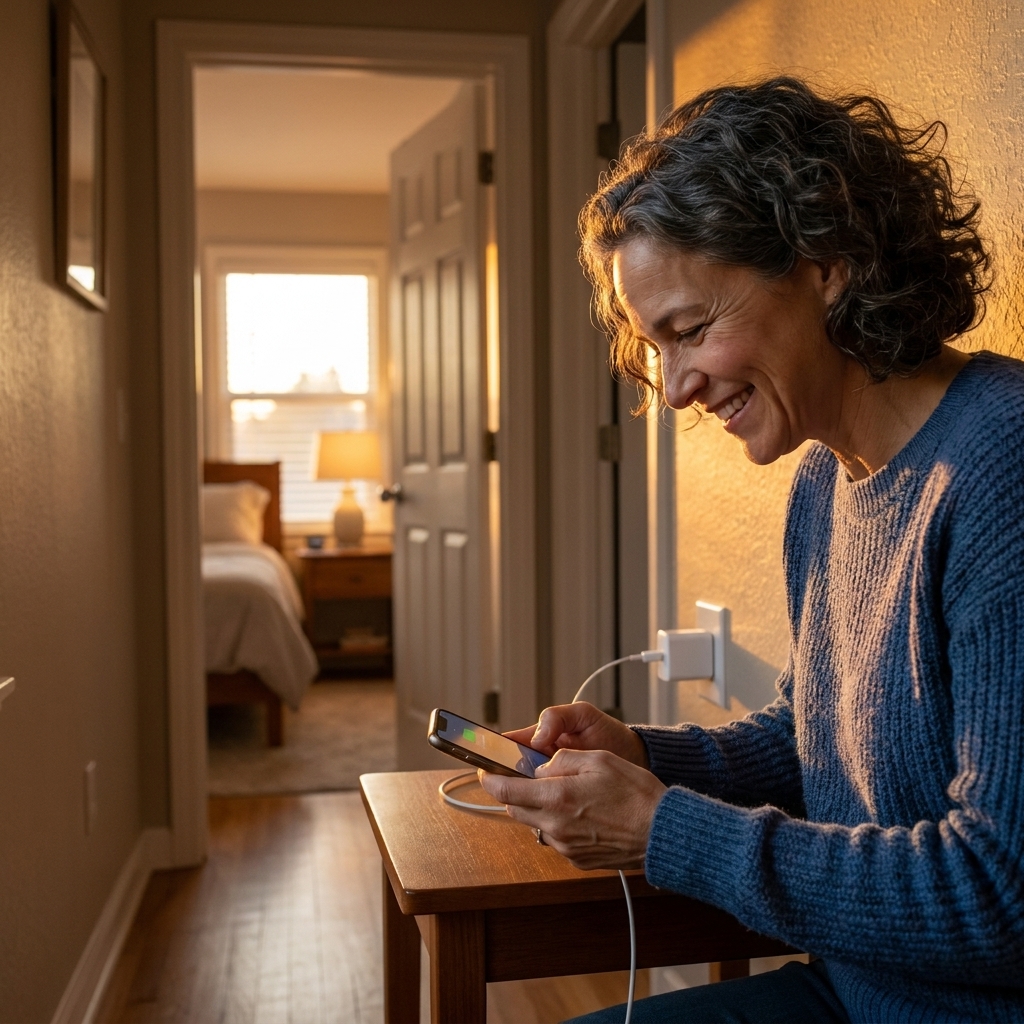
- Bedroom: charge your phone outside the room if possible.
- Bathroom: a surprisingly powerful boundary for breaking autopilot scrolling.
- Meals: even one phone-free meal a day can help you feel more present.
- Work focus blocks: phone in a drawer or across the room during deep work.
Step 5: Swap the habit
If scrolling is your stress relief, removing it without replacement can feel like taking away a coping tool. The trick is to swap in something that scratches the same itch with less mental cost.
Pick one substitute for each trigger
- Stress: 60 seconds of slow breathing, a short walk, stretching calves and hips, or a quick shower.
- Boredom: a paperback book, crossword, sketching, knitting, a small organizing task.
- Loneliness: voice note a friend, text one person directly, step outside and say hello to a neighbor.
- Transition time: a music playlist, a podcast you choose intentionally, or simply letting your brain wander.
Make the alternative easy to reach. Put the book on the couch. Keep headphones by the door. Leave walking shoes visible.
Step 6: Stop doom-scrolling
Wanting less doom-scrolling doesn’t mean you’re uninformed or apathetic. It means you’re protecting your ability to function.
Use a 3-question filter
- Is this actionable for me today? If not, consider a time-limited check-in later.
- Is this from a source I consider reliable? Think major outlets with corrections policies, primary sources, and official local public health or government sites.
- How does my body feel right now? If your chest is tight or jaw is clenched, that’s useful information.
Switch from feeds to endpoints
Feeds are often designed to keep going. Endpoints have a natural stopping place. Try:
- A daily newsletter instead of a scrolling news app
- A bookmarked page from a trusted outlet instead of a social feed
- A saved read-later list you review once a week
Use a two-story rule
When you check the news, read two full stories from sources you consider reliable, then stop. Your brain gets information without the spiraling buffet of outrage and catastrophe.
Step 7: Protect your sleep
In my own life, and in what I’ve seen working nights, sleep is where people often notice the biggest payoff. Better sleep does not solve everything, but it can make mood, anxiety, cravings, and focus easier to manage.
If anxiety or insomnia is persistent, severe, or getting worse, it is worth talking with a clinician. This guide is educational, not medical advice.
Start with a 30-minute curfew
Thirty minutes is achievable and still meaningful. If that feels impossible, start with 10 and build.
- Put the phone on a charger away from the bed.
- Use an alarm clock if needed.
- Choose one wind-down activity: reading, stretching, a warm drink, light tidying, or journaling.
Keep emergency access
If safety is a concern, keep emergency contacts, medical alerts, and repeated calls enabled even in Sleep focus. Boundaries should support your life, not create risk.
Go dim and calm after dinner
If you must use your phone at night, reduce the stimulation:
- Lower brightness and use warmer color settings
- Stay out of comment sections
- Avoid emotionally activating content that ramps you up

Step 8: Set it up
You don’t need special apps to do this. Use the tools you already have and make them match your life.
Use Focus or Do Not Disturb
- Create a Work focus and a Sleep focus.
- Allowlist the people who should always reach you: partner, kids’ school, caregiving contacts, your manager if you’re on call.
- Silence everything else by default, especially social and news.
Schedule delivery instead of constant pings
- Use scheduled notification summaries if your phone supports it.
- Batch email and social notifications so you aren’t interrupted all day.
Use app timers as guardrails
- Set a limit for your top 1 to 2 time-sink apps.
- If you blow past the limit every day, treat it as a clue, not a character flaw. You probably need fewer notifications, more friction, or a clearer check-in window.
Turn off the built-in bait
- Disable autoplay in social and video apps.
- Turn off “suggested” or “recommended” notifications where possible.
- Limit background app refresh if it nudges you with constant updates.
Step 9: Make it social
A lot of people break boundaries because they worry they’ll seem rude. A simple script can protect both your relationships and your mental health.
Texts you can reuse
- “I check messages a couple times a day. If it’s urgent, call me.”
- “I’m doing phone-free evenings for my sleep. I’ll reply tomorrow.”
- “I’m trying to be more present, so I might be slower on social. Not ignoring you.”
Healthy boundaries are clear, kind, and consistent. You don’t owe a long explanation.
Step 10: Plan for slip-ups
You’ll have days where you scroll more. That’s not failure. It’s information. Instead of spiraling into guilt, use a quick reset:
- Name the trigger: stress, fatigue, loneliness, uncertainty, procrastination.
- Repair with one action: take a walk, drink water, eat something with protein, message a friend, or do a 5-minute tidy.
- Reinstall one boundary: restore a timer, turn notifications back off, or move the app back off your home screen.
I share this because shame makes habits harder. Curiosity makes them easier.
A simple 7-day reset
If you want a plan that doesn’t require a full digital detox, here’s a gentle ramp-up:
- Day 1: Turn off non-essential notifications.
- Day 2: Move your two most distracting apps off the home screen.
- Day 3: Create one no-phone zone (bedroom or meals).
- Day 4: Set one check-in window for social or news.
- Day 5: Add a 10 to 30 minute evening phone curfew.
- Day 6: Choose one replacement activity and make it easy to reach.
- Day 7: Review your screen time report and pick the one change that helped most.
Then repeat the helpful changes for two more weeks. Consistency beats intensity every time.
If you have ADHD or anxiety
If your brain craves stimulation or you use your phone to self-soothe, you’re not “bad at boundaries.” You may just need smaller steps and more structure.
- Start with one boundary, not five.
- Make it physical: phone in a drawer, not just “I’ll resist.”
- Use a body-based reset first (water, food, movement), then decide what you actually want to do.
If you are parenting
If you’re trying to reduce screen time and you have kids or teens, the simplest move is to make it a household norm instead of a personal struggle. Pick one shared boundary and keep it boring and consistent.
- One common charger: phones charge in the kitchen after a set time.
- One phone-free anchor: dinner, bedtime routine, or the car on short trips.
- One “yes” time: a planned window for games or videos, so it’s not a constant negotiation.
Kids notice what we do more than what we say. If you want a culture shift, start with one visible change you can sustain.
When it is a symptom
Sometimes the phone isn’t the root cause. It’s the easiest available escape hatch. Consider extra support if you notice:
- Scrolling feels compulsive and hard to stop even when it’s harming sleep, relationships, or work
- You use your phone mainly to numb anxiety, depression, grief, or trauma symptoms
- You feel panicky when you can’t check messages
Talking with a therapist can help you build coping skills that reduce the need to self-soothe with constant input. You deserve support that goes deeper than app timers.
FAQ
Is there an ideal amount of screen time?
There’s no single magic number that fits everyone. What matters most is how your screen time affects your sleep, mood, attention, and relationships. Two hours of purposeful use can feel better than 45 minutes of anxiety-driven scrolling.
Do app limits actually work?
They work best as a speed bump, not a lock. If you routinely override limits, that’s a cue to reduce notifications, remove the app from your home screen, or create check-in windows instead.
What if I need my phone for work, caregiving, or health?
Focus on separating essential communication from algorithm-driven content. Keep calls, texts, and medical or school alerts available, but silence social, news, and marketing notifications. A boundary can be targeted, not total.
How do I stop picking up my phone without thinking?
Change the default: keep the phone in another room during focus blocks, put it in a drawer during meals, or charge it away from the bed. Autopilot behaviors are easiest to change with a little physical friction.
Your next step
If you do nothing else after reading this, do one thing that reduces friction for the life you want: turn off three notifications, move one app off your home screen, or set a 10-minute evening phone curfew.
Digital boundaries aren’t punishment. They’re protection. And you’re allowed to protect your mind.